
Spotify: Music and Podcasts review
 Analysis by GetAllApps
I think Spotify works best when I treat it less like a shelf of albums and more like a music companion that learns my habits. It can make choosing something to play feel effortless, whether I want a familiar playlist or a podcast for a commute. That convenience is its clearest strength, but it also comes with a trade-off: the more I rely on recommendations, the easier it is to keep circling the same tastes instead of finding something truly unexpected.
Discovery is the real reason to keep it installed
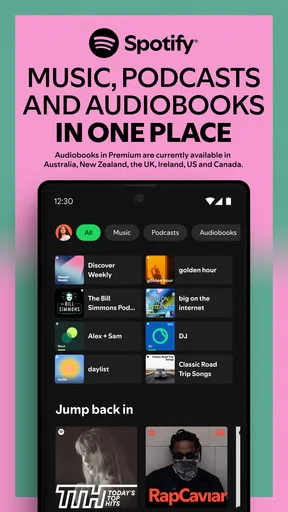
As a music and audio app from Spotify AB, Spotify brings songs, podcasts, playlists and listening suggestions into one place. I find that combination especially useful when my mood changes during the day. I can start with music while getting ready, switch to spoken audio on a walk, and return to a playlist later without needing separate apps for each kind of listening.
The recommendations are most convincing when I give them useful signals. Saving tracks I genuinely like, following artists and returning to playlists I enjoy helps the app build a clearer picture of my taste. I would not expect every suggestion to be a hit; the value is that there is usually something playable without my having to plan a listening session in advance. For someone who often thinks, “I want music, but I don’t know what,” that removes a small but real point of friction.
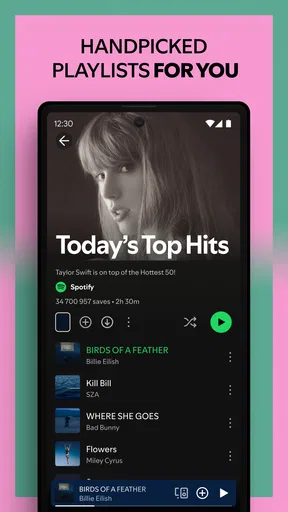
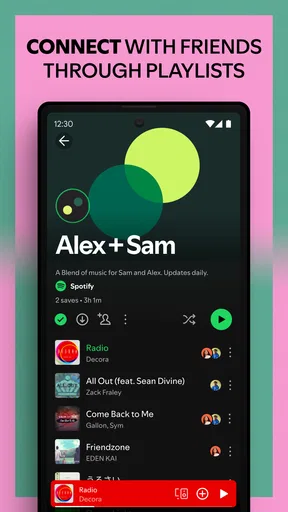
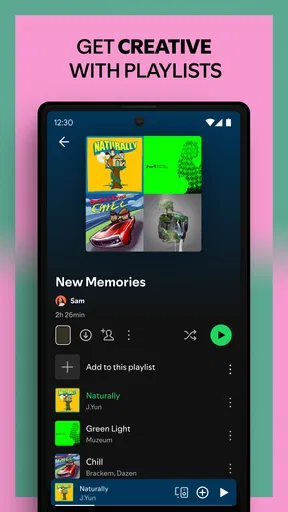
Playlists are also more than a way to group songs. I use them to create distinct listening contexts: one for focused work, another for exercise, and a looser collection for weekend cooking. That separation makes it easier to choose by situation rather than browse a library track by track. A useful habit is to make a playlist for a specific activity and add songs as they come to mind, instead of trying to assemble a perfect collection in one sitting.
Spotify’s scale is reflected in its 4.3 average rating and more than 1 billion installs. Those figures suggest a familiar, widely used service, though popularity alone does not tell me whether its listening style will suit you. It is free to install, has a Teen content rating, and offers in-app purchases ranging from $4.99 to $203.88 per item. I’d check the available plan details in the app store before choosing a paid option, since the right value depends on how and where you listen.
How it fits into an ordinary day
On a typical morning, I might pick a playlist rather than decide on individual tracks, then move to a podcast while walking somewhere. This is where the mix of music and spoken audio feels practical: I can keep one listening routine in the same app instead of remembering which service holds which show. If I am trying to keep a day moving, that continuity matters more than an elaborate set of controls.
For a shared space, I would be more deliberate. A playlist that works for me may not suit everyone else, and leaving recommendations to choose the mood can be a gamble. I prefer to prepare a short queue or a playlist in advance when other people are listening. That small step makes the experience more predictable and avoids repeatedly skipping tracks while everyone waits.
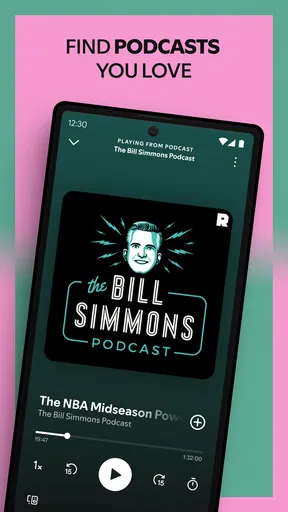
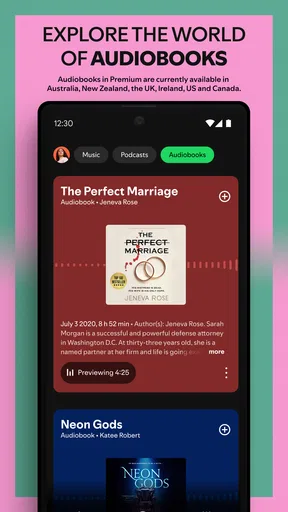
Podcasts also make Spotify useful beyond music discovery. If you already know what you want to hear, it can serve as a straightforward place to play it alongside your songs. If you are exploring, browsing can help you encounter shows, but I would still judge a podcast by its subject and style rather than assuming that a recommendation will match my interests. Music tastes and spoken-audio tastes do not always overlap.
Small habits that make listening better
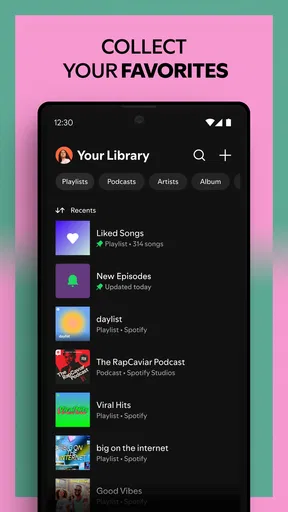
One practical approach is to treat playlists as working collections, not finished projects. I add tracks when I find them, remove songs that no longer fit, and keep a few lists tied to specific needs. This makes the library more useful over time and prevents a single enormous playlist from becoming hard to navigate. It also gives recommendations clearer context: a track saved for quiet reading says something different from one saved for a run.
When a recommendation feels off, I do not assume the whole system has failed. I move on, save the songs that do work, and spend a little time with the artists or styles I actually want more of. The trade-off is that discovery improves through interaction; it is not a substitute for choosing deliberately. If I want a particular album or a precise mood, searching or selecting a known playlist is often faster than waiting for suggestions to land.
I also find it sensible to think about listening conditions before choosing a plan. Someone who mainly listens at home, uses another household member’s setup, or prefers owning music may not get the same value from a subscription as a frequent listener who wants an all-purpose service. Spotify can be convenient without being the best fit for every listening habit, and a free starting point makes it easier to see whether its approach suits you before spending money.
Where the experience can feel limiting
The same recommendation engine that saves time can make listening feel repetitive. If I keep returning to the same artists and playlists, suggestions may reinforce that familiar lane rather than challenge it. I have to seek out a different genre, follow new artists or choose something outside my usual rotation when I want a genuine change. Spotify is helpful at surfacing options, but it cannot decide how adventurous I want to be.
There is also a difference between having a large service and having a perfect match for every person. Some listeners want a carefully curated album experience, a specialist collection, or a simpler interface with fewer recommendations. Others may prefer a service built around music they already own. In those cases, a personal library player or a competing streaming app may feel more direct. Spotify’s broad mix is a strength for variety, but it may be more than someone needs.
Another friction point is the boundary between free access and paid features. The app costs nothing to download, but in-app purchases are part of the experience, so it is worth deciding what you expect before committing to a purchase. If your priority is simply occasional listening, start with the free option and see whether its limits bother you. If you listen for hours every day, compare the current plan choices with your actual routine rather than paying just because the app is popular.
For people who care about uninterrupted control over every listening detail, I would recommend comparing alternatives before settling in. Spotify’s appeal is the combination of discovery, playlists, music and podcasts; it is not necessarily the ideal choice for someone who wants a narrowly focused music library or a service organized around a different ecosystem. The best comparison is personal: try the same everyday task in each app, such as finding an album, building a workout playlist or returning to a podcast, and notice which one feels least cumbersome.
Who I would recommend it to
I would point frequent listeners toward Spotify if they want one familiar place for music and podcasts, enjoy building playlists, and like having suggestions ready when they are short on time. It is particularly well suited to people whose listening changes throughout the day, or anyone who wants to explore artists without manually planning every session. The app’s reach is substantial, with around 37 million ratings and about 1.9 million written reviews, but I would still make the decision based on your own habits rather than crowd consensus.
I would be less enthusiastic about recommending it to someone who dislikes algorithmic suggestions, wants a very minimal player, or already has a music service that fits their devices and library better. It may also be a poor match if you rarely listen and do not want to think about in-app purchases. A free installation lowers the barrier to trying it, but a trial is only useful if you pay attention to whether you actually return to it.
My verdict after weighing the trade-offs
Spotify earns its place as an everyday audio app because it makes the jump between songs, playlists and podcasts feel natural. Its strongest feature is not any single playlist or recommendation; it is how quickly I can find something suitable for the moment and keep listening. That convenience is meaningful when listening is woven into a commute, household chores or a work break.
Still, I would not call it a perfect discovery tool. Recommendations can become comfortable ruts, and listeners who want a more focused or ownership-oriented experience may prefer another option. My advice is to use playlists intentionally, give recommendations feedback through what you save and revisit, and check the purchase terms before upgrading. If that balance of convenience and discovery matches your routine, Spotify is an easy app to recommend; if you value control or simplicity above variety, compare it with alternatives first.
Pros and cons
Pros
- Free listening is available with ads.
- Playlists can be tailored to your listening habits.
- Collaborative playlists make sharing music easy.
- Queue controls help organize upcoming tracks.
- A sleep timer can stop playback automatically.
Cons
- Free listening includes audio ads.
- Mobile users may face limits on choosing specific tracks.
- Some songs are unavailable in certain regions.
- Lossless audio is not offered.
- Podcast availability can vary by country.


